The portable monitor has evolved from a niche gadget into an essential tool for remote and hybrid workers. In 2026, USB-C single-cable setups are standard, display quality has improved across every price tier, and thinner, lighter designs make carrying a second screen genuinely practical. But with dozens of models on the market, choosing the right one requires knowing which features actually matter for your workflow. This guide breaks down the best portable monitors by use case — from budget-friendly picks to professional-grade creative displays — so you can find the perfect match for your home office or remote workspace.
What to Look for in a Portable Monitor in 2026
Before diving into the recommendations, three factors define a great portable monitor this year. Display quality — resolution, color accuracy, and brightness — is the foundation. Full HD remains the baseline for 15.6-inch models, while QHD and OLED panels offer sharper detail and richer color for professional work. Connectivity is second: USB-C with DisplayPort Alt Mode and Power Delivery enables a clean single-cable setup, with HDMI as a useful fallback. Portability vs. screen size is the third trade-off — a 14-inch model slips easily into a laptop bag, while a 16-inch display gives you significantly more workspace at the cost of extra weight.
The Best Portable Monitors by Category
Best Overall — UPERFECT BE156PF 15.6″ FHD Portable Monitor
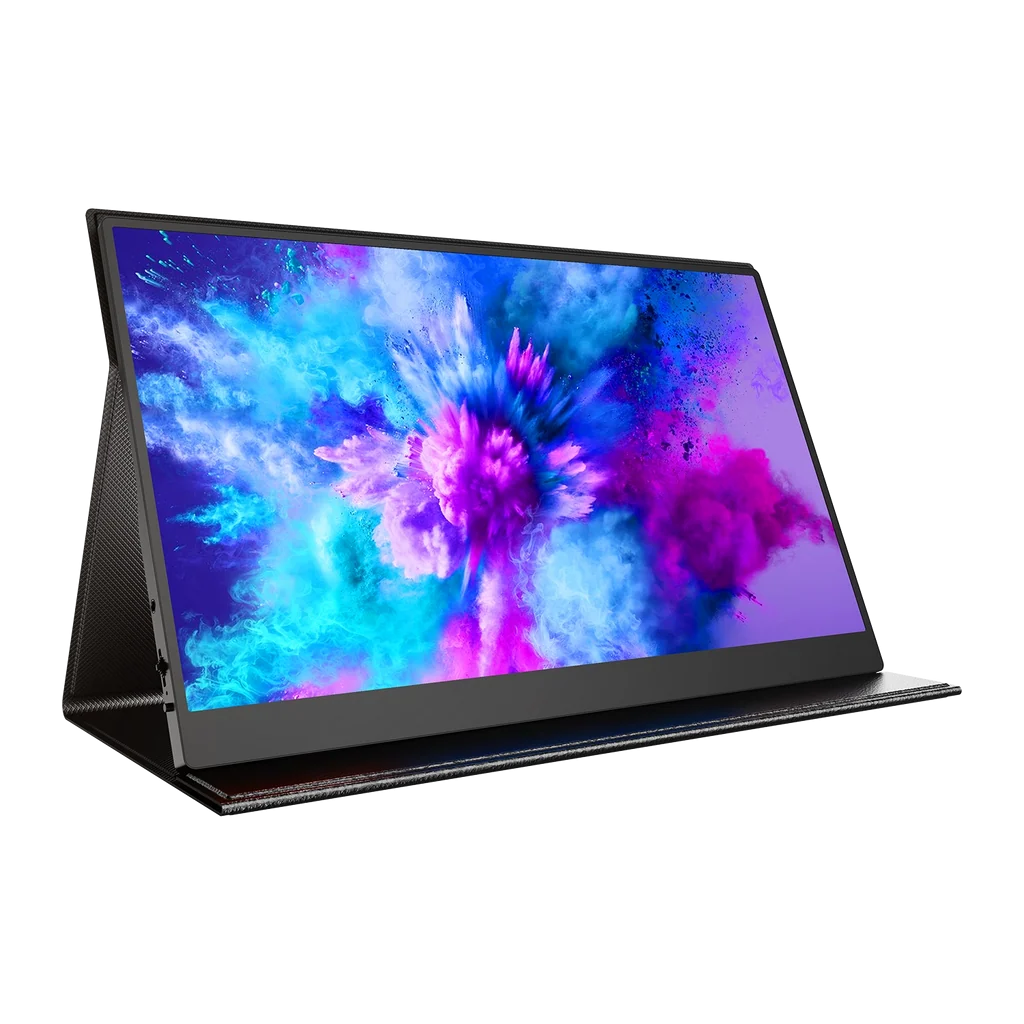
The UPERFECT 15.6-inch FHD Portable Monitor strikes the best balance of performance, features, and value for most remote workers. It delivers a 1920×1080 IPS panel with HDR support, 350 nits of brightness, and anti-glare matte coating that performs well in both dim home offices and bright co-working spaces. Connectivity is comprehensive: dual USB-C ports with full-featured Type-C one-cable connectivity, plus mini-HDMI for older devices and a 3.5mm audio jack. Built-in dual speakers eliminate the need for external audio, and VESA mounting holes on the back let you attach it to a stand or arm for a more permanent desk setup. The included PU magnetic smart case protects the screen in transit and doubles as an adjustable foldable stand. At a price point that undercuts most name-brand competitors while offering equal or better specs, this is the top all-around choice for home office and remote work.
Best Budget Pick — ASUS ZenScreen MB16ACE
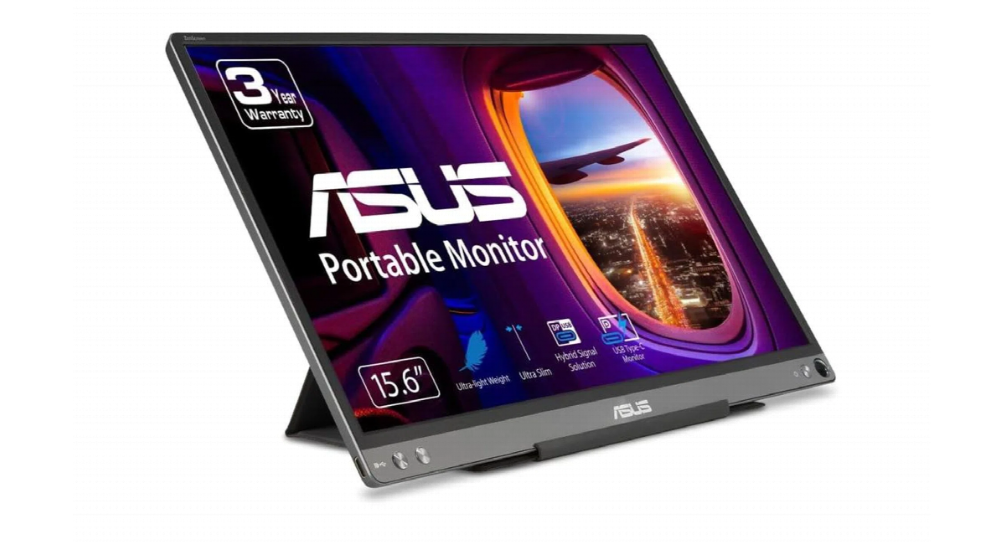
For users who want a reliable name-brand portable monitor without spending a premium, the ASUS ZenScreen MB16ACE is the standout budget option. This 15.6-inch Full HD IPS display features ASUS’s hybrid signal solution, allowing it to work over a single USB-C cable that carries both video and power — no separate adapter needed. At just 0.71 kg (1.56 lbs) and 8 mm thick, it is one of the lightest and slimmest monitors in its class, making it easy to slip into a laptop bag. The panel delivers 250 nits of brightness, 178° wide viewing angles, and ASUS’s Flicker-Free and Low Blue Light technologies to reduce eye strain during long work sessions. The included smart cover folds into a stand and protects the screen on the go. While it lacks HDMI and the brightness is modest compared to premium models, the MB16ACE offers solid build quality, dependable ASUS support, and a hassle-free USB-C experience at an accessible price.
Best for Frequent Travel — Lenovo ThinkVision M14
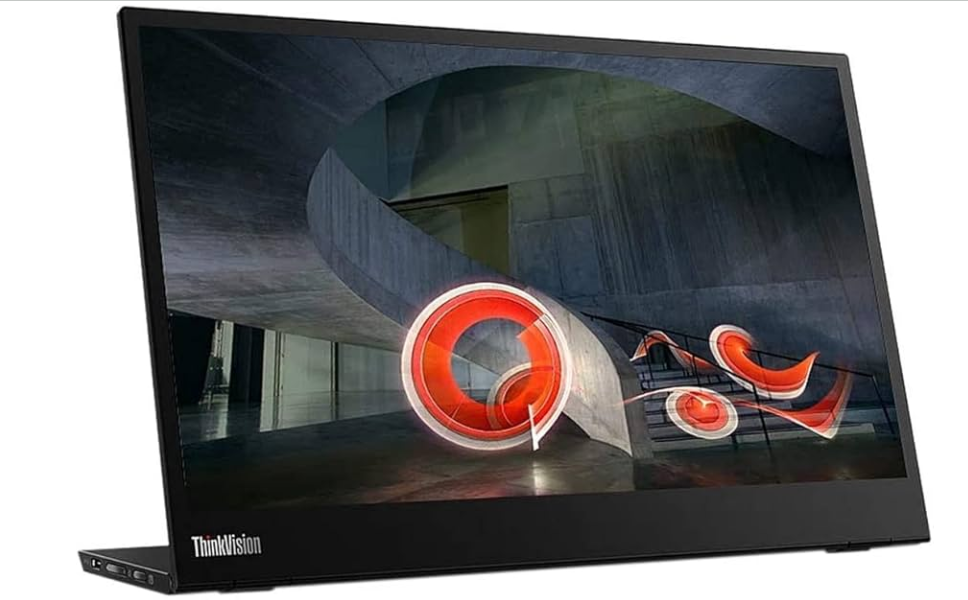
If you travel weekly or work from different locations every day, the Lenovo ThinkVision M14 is the ideal companion. This 14-inch Full HD IPS monitor weighs just 570 g (1.26 lbs) — lighter than most tablets — and features an ultra-slim profile that fits in even compact laptop bags. The standout feature is its dual USB-C port design with 65W Power Pass-Through: plug your laptop charger into one port, connect the monitor to your laptop with the other, and both devices charge simultaneously from a single adapter. Alternatively, the M14 can draw power directly from the laptop over one USB-C cable for truly cable-light setups. The 300-nit IPS panel delivers vibrant, accurate color with 178° viewing angles, and the monitor supports both left- and right-handed use thanks to USB-C ports on either side. The integrated foldable stand provides adjustable tilt, and TÜV Rheinland Low Blue Light and Flicker-Free certifications keep your eyes comfortable during long travel days. For professionals who need a dependable, ultra-portable second screen that works anywhere, the ThinkVision M14 is unmatched.
Best for Creative and Design Work — ViewSonic VP16-OLED
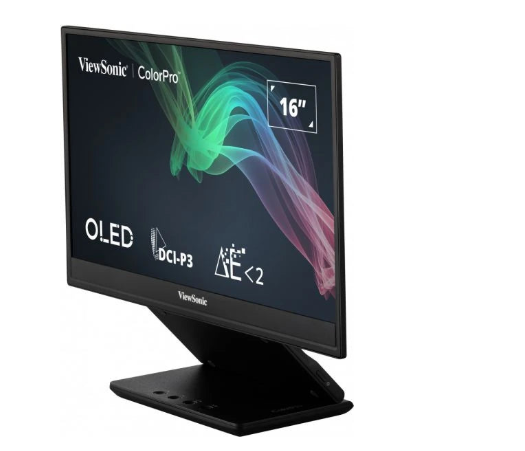
Creative professionals — photographers, graphic designers, video editors, and illustrators — need more than a basic display. The ViewSonic VP16-OLED delivers professional-grade color accuracy in a portable 15.6-inch form factor. Its OLED panel produces 1.07 billion colors (10-bit), 100% DCI-P3 color gamut coverage, and a Delta E < 2 rating, meaning colors are factory-calibrated and indistinguishable from reference displays. It is also Pantone Validated, ensuring it can reproduce the Pantone Matching System colors critical for print and brand design work. With 400 nits of brightness, a 100,000:1 contrast ratio, and perfect blacks that only OLED can achieve, images and video look stunningly vivid. Connectivity includes two USB-C ports with 40W two-way power delivery and a micro-HDMI input. The ergonomic height-adjustable stand includes a tripod mount, and the included protective cover doubles as a hood to reduce glare in bright environments. While it commands a premium price and OLED carries a slight risk of burn-in with static UI elements, for creative users who demand color fidelity on the go, the VP16-OLED is the best portable display available.
Best Large-Screen Option — ASUS ZenScreen MB16AHV
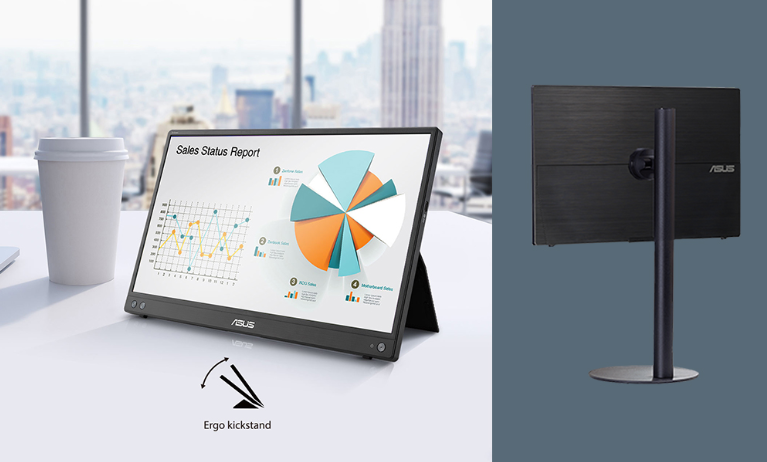
For users who primarily work from a home office and want the most screen real estate possible, the ASUS ZenScreen MB16AHV offers a 16-inch (15.6-inch viewable) Full HD IPS panel in a still-portable design. The larger display gives you significantly more workspace for spreadsheets, multi-window productivity, and detailed tasks compared to 14-inch models. Key features include USB-C connectivity with 15W power delivery for charging connected devices, mini-HDMI for multimedia flexibility, and auto-rotate functionality that switches between landscape and portrait modes automatically when connected to a compatible laptop. Landscape mode is ideal for presentations and dashboards, while portrait mode perfectly displays long documents, websites, and e-books. The ergo kickstand provides adjustable tilt, and a ¼-inch threaded hole on the rear lets you mount the monitor on a standard tripod or table stand for more flexible positioning. ASUS Flicker-Free and Low Blue Light technologies, plus an anti-glare surface and antibacterial treatment on the casing, make it comfortable and hygienic for all-day use. If you want a desktop-like screen size without sacrificing portability, the MB16AHV is the top choice.
How to Choose the Right One for You
The best portable monitor depends on your primary use case. For most remote workers, the UPERFECT 15.6″ FHD offers the best overall value with comprehensive features. If you are price-conscious, the ASUS ZenScreen MB16ACE delivers reliable name-brand quality on a budget. Frequent travelers should prioritize the ultra-light Lenovo ThinkVision M14 with its clever power pass-through. Creative professionals need the color accuracy of the ViewSonic VP16-OLED. And those who want maximum workspace at home should opt for the larger ASUS ZenScreen MB16AHV.
For companies equipping remote teams, a business monitor should also be evaluated for warranty coverage, durability, and standardized connectivity — factors that reduce long-term IT support costs and ensure consistent performance across a distributed workforce.
Conclusion
In 2026, adding a portable monitor to your home office or remote workspace is one of the highest-ROI upgrades you can make. Whether you choose the feature-rich value of UPERFECT, the budget-friendly reliability of ASUS, the travel-optimized design of Lenovo, the professional color accuracy of ViewSonic, or the large-screen productivity of ASUS, each of these monitors transforms a cramped laptop setup into a full multi-screen workstation. By matching the monitor to your specific workflow — considering display quality, connectivity, portability, and price — you can unlock measurable gains in focus, efficiency, and work quality, wherever you choose to work.